Badges
Digital badges serve as visual symbols of achievement. These trackable icons include metadata verifying a person’s learning accomplishments. We have chosen to use Canvas Credentials for its convenient integration with Canvas.

Digital badges serve as visual symbols of achievement. These trackable icons include metadata verifying a person’s learning accomplishments. We have chosen to use Canvas Credentials for its convenient integration with Canvas.
Faculty will earn a final Online Excellence Teaching Academy (OETA) Certificate badge after completing all seven course badges. The OETA includes seven primary course badges awarded upon completion of each course. In addition, each OETA phase will grant its own badge, and there are supplementary badges available for course substitutes and equivalencies.
Log into Parchment Digital Badges. You may need to register before being able to sign in. Receiving a Badge does not auto-register your account. This is not linked to your Single Sign On (SSO) but you should use your Bellevue College email address to register.
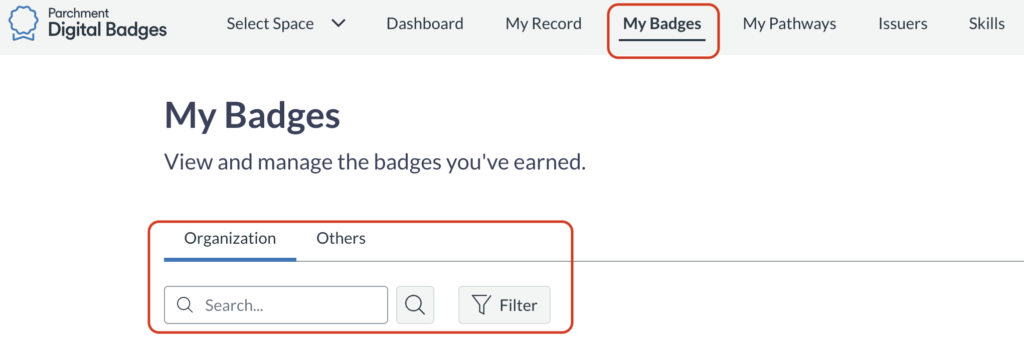
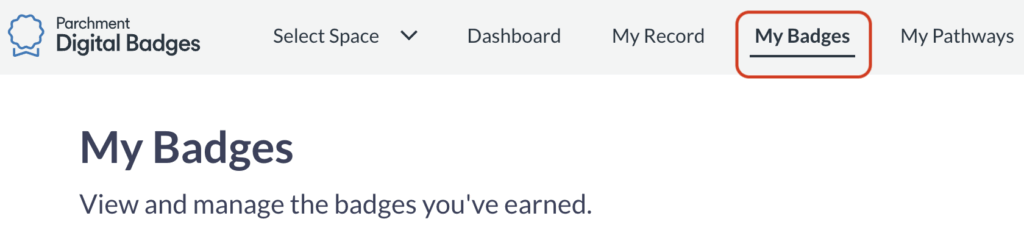
Select the “My Badges” category.
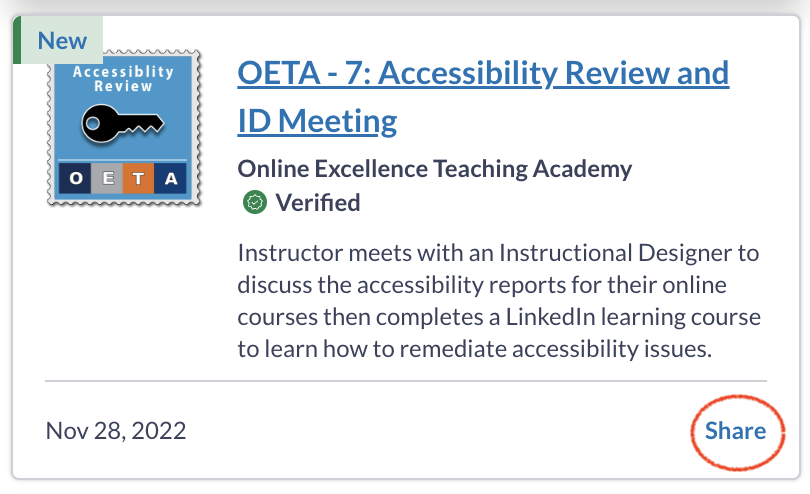
Find the badge you would like to share and select the “share” button in the bottom right corner.
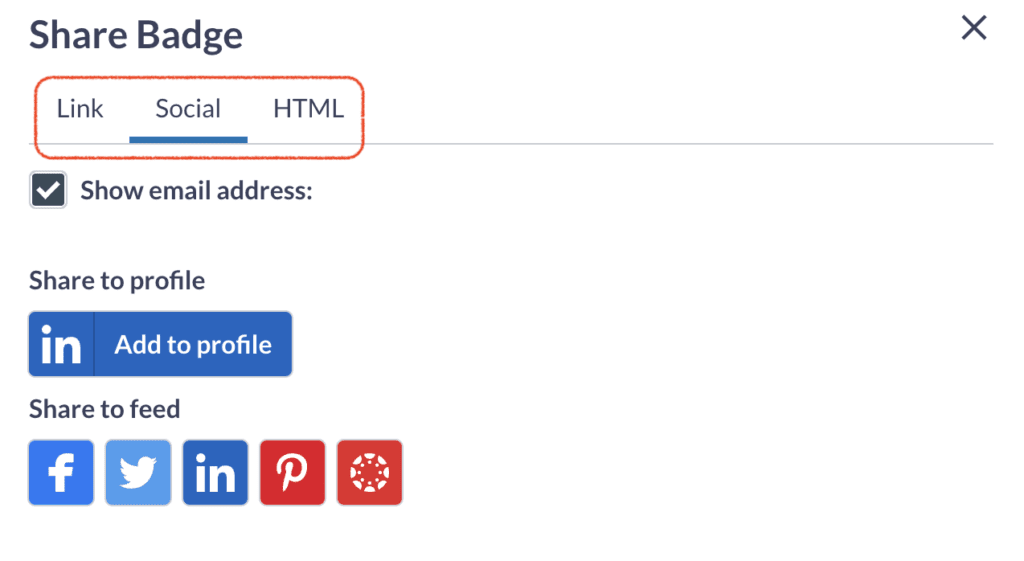
Select any of the three share options: “Link”, “Social”, “HTML”. We suggest “Social” so you can add your Badges to your LinkedIn Profile.
To print your awarded badges you will need to begin by logging into Parchment Digital Badges. You may need to register before being able to sign in. Receiving a Badge does not auto-register your account. This is not linked to your Single Sign On (SSO) but you should use your Bellevue College email address to register.
Select the “My Badges” category.
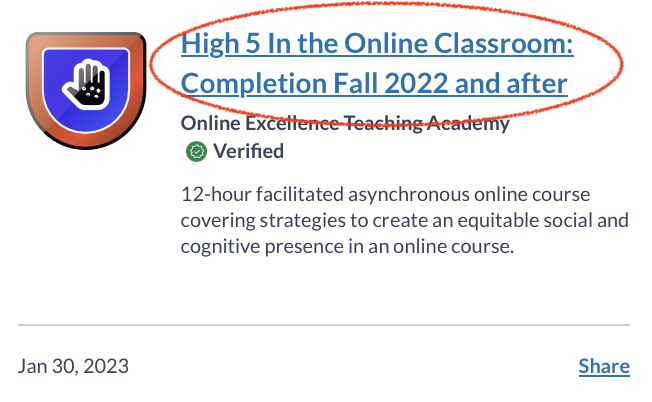
Find the badge you would like to print and select the badge title.
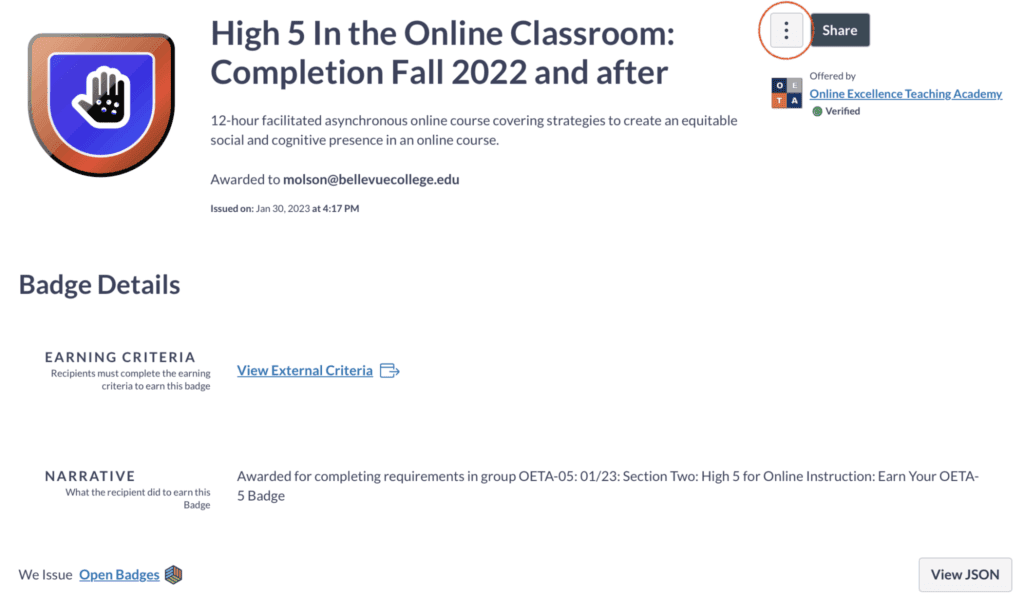
Select the 3 dots (ellipse) in the upper right corner of the badge info page.
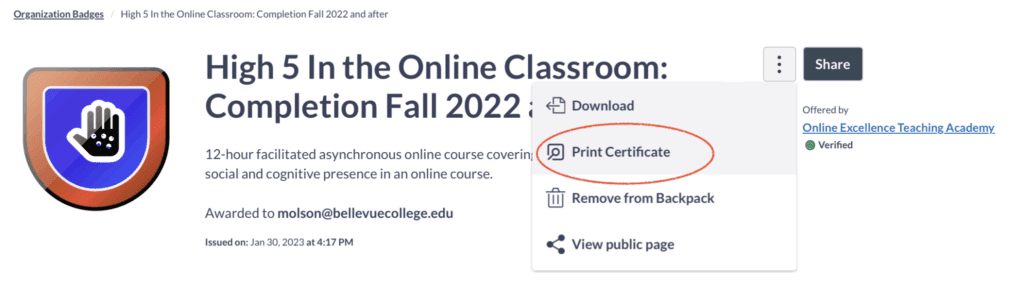
Select “Print Certificate”
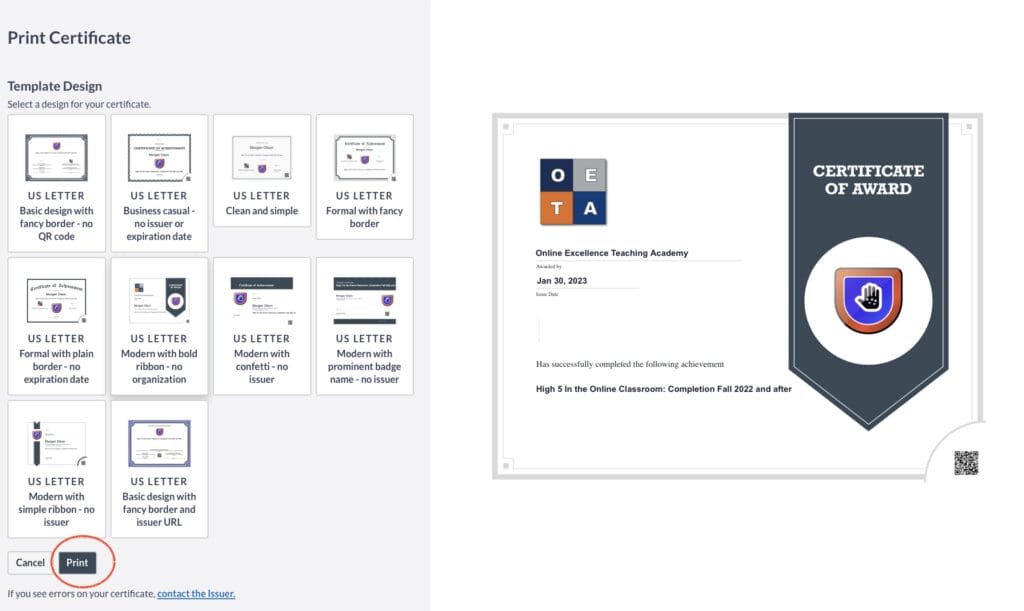
You will now get to select a certificate style and then select “Print” in the bottom left corner of the screen.
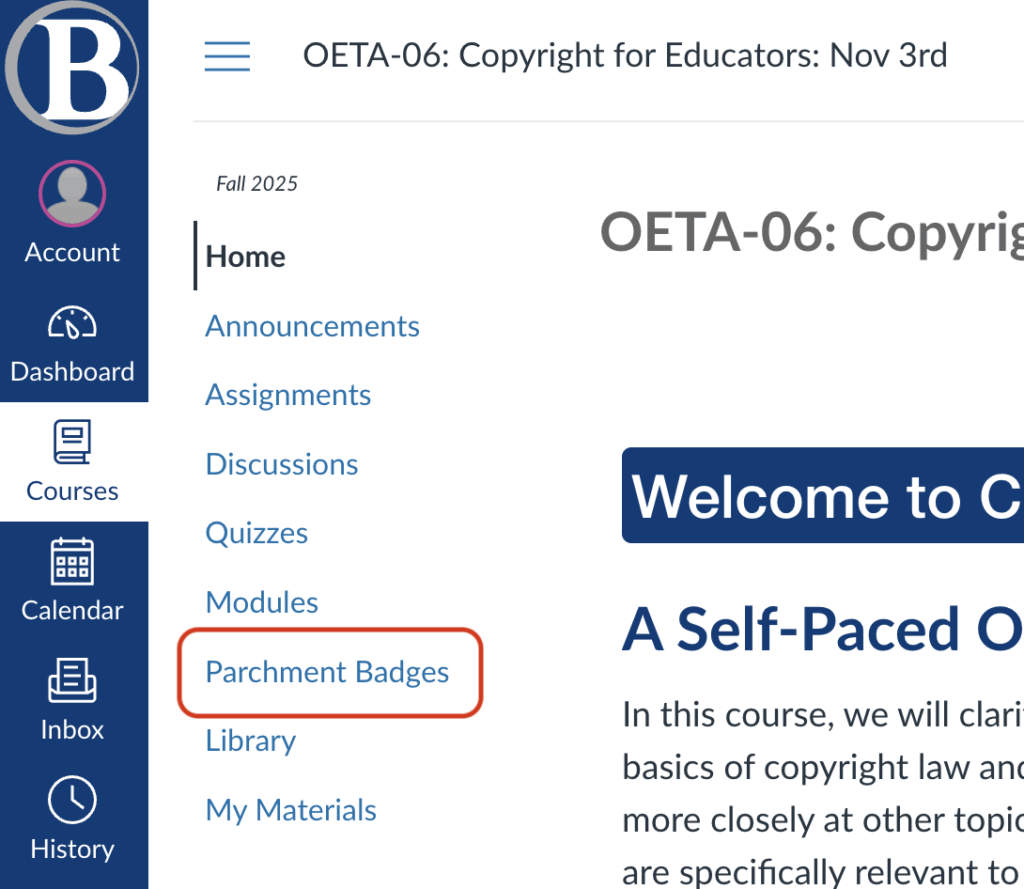
Select “Credentials” from any OETA course in the left-hand navigation.
– OR –
Log into Parchment Digital Badges. You may need to register before being able to sign in. Receiving a Badge does not auto-register your account. This is not linked to your Single Sign On (SSO) but you should use your Bellevue College email address to register.
Select the “My Badges” category. All badges received will be found on this page. Organized by “Organization” and “Other”. You will also find a search bar to seek out a specific badge of interest.