If you try to register for a class and see that you have a “Financial Agreement Hold”, follow these instructions to remove it. After you complete these instructions, you will be able to register.
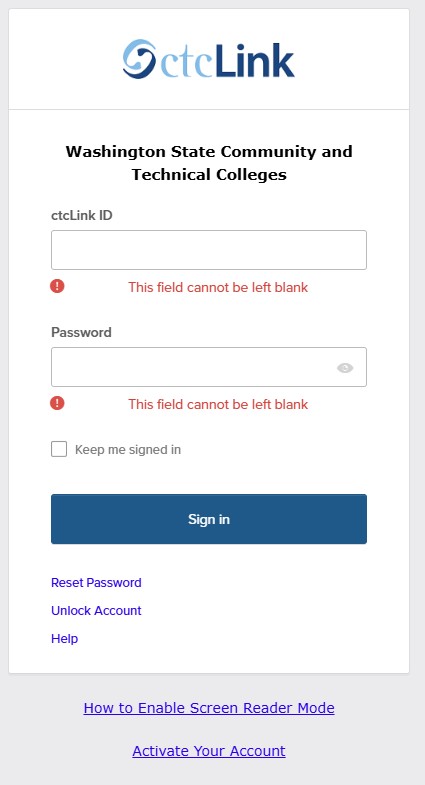
1. Sign in to the ctcLink Student Homepage
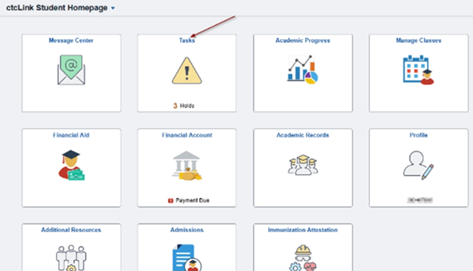
2. From the Student Homepage, click “Tasks”
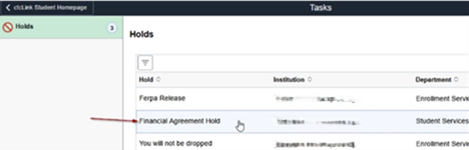
3. Click on the “Financial Agreement Hold”
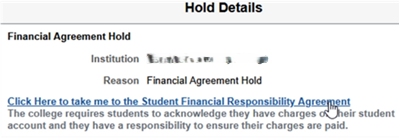
4. The Hold Details will pop up. Click the link in it to be taken to the Financial Hold Agreement.
5. You will then need to read the Agreement and accept it before you are able to register. To accept it, click the blue button (like in the picture).
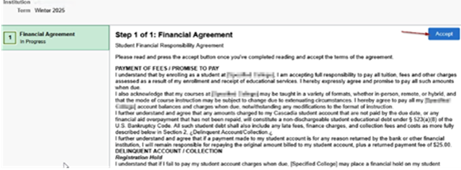
6. After you click the blue “Accept” button your hold will be released.
Last Updated January 21, 2026