

If you have any questions contact ie@bellevuecollege.edu
Step 1 – Download your I-20
- Log in to the International Student Portal
- Use your ‘Applicant’ log-in to access your I-20 and acceptance letter.
- If you already created your NetID, use the ‘Current Student’ log-in.
- Print your I-20 and acceptance letter.
- Sign your I-20: Bring it to your visa interview and the U.S.
Step 2 – Create your two Student Accounts
- Create your ctcLink account:
- ctcLink Instructions + Video
- ctcLink Activation Page
- Your ctcLink number is in your acceptance email.
- ctcLink may ask you to add a phone number for security (Multi-Factor Authentication).
- You do not need to do this now.
- You can update your phone number after you arrive in the U.S. and get a U.S. phone number.
- Create your NetID account:
- Wait 24-48 hours, then:
- Use your NetID and log-in to the Intl. Student Portal through ‘Current Student’.
- New Profile Confirmation: ‘This site is ready to create your profile…’
- Click ‘No‘
- Click ‘Submit‘
- You can now log-in to:
- International Student Portal: Log-in with NetID
- BC Student Email: Log-in with NetID
- Canvas (classes, assignments, grades, etc): Log-in with NetID
- ctcLink (enroll in classes, pay tuition, etc): Log-in with ctcLink
Plan to live in on-campus housing?
On-campus housing is offered on a first-come, first-served basis and is not guaranteed. Apply for multiple room types as preferred options may fill up. Changing your application resets your submission date.
Step 3 – Download 2 Mobile Apps
- Microsoft Outlook (Microsoft Corporation): Check your student email daily for important updates about your visa status, classes, tuition, and grades.
- Log-in with NetID
- Canvas Student (Instructure Inc.): Used for all classes, this app lets you communicate with professors, submit assignments, review grades, and more.
- Log-in with NetID
Step 4 – Meet your International Advisor
Use your Bellevue College email to make an online or in-person appointment. Appointments open up 2-weeks in advance at midnight (PT).
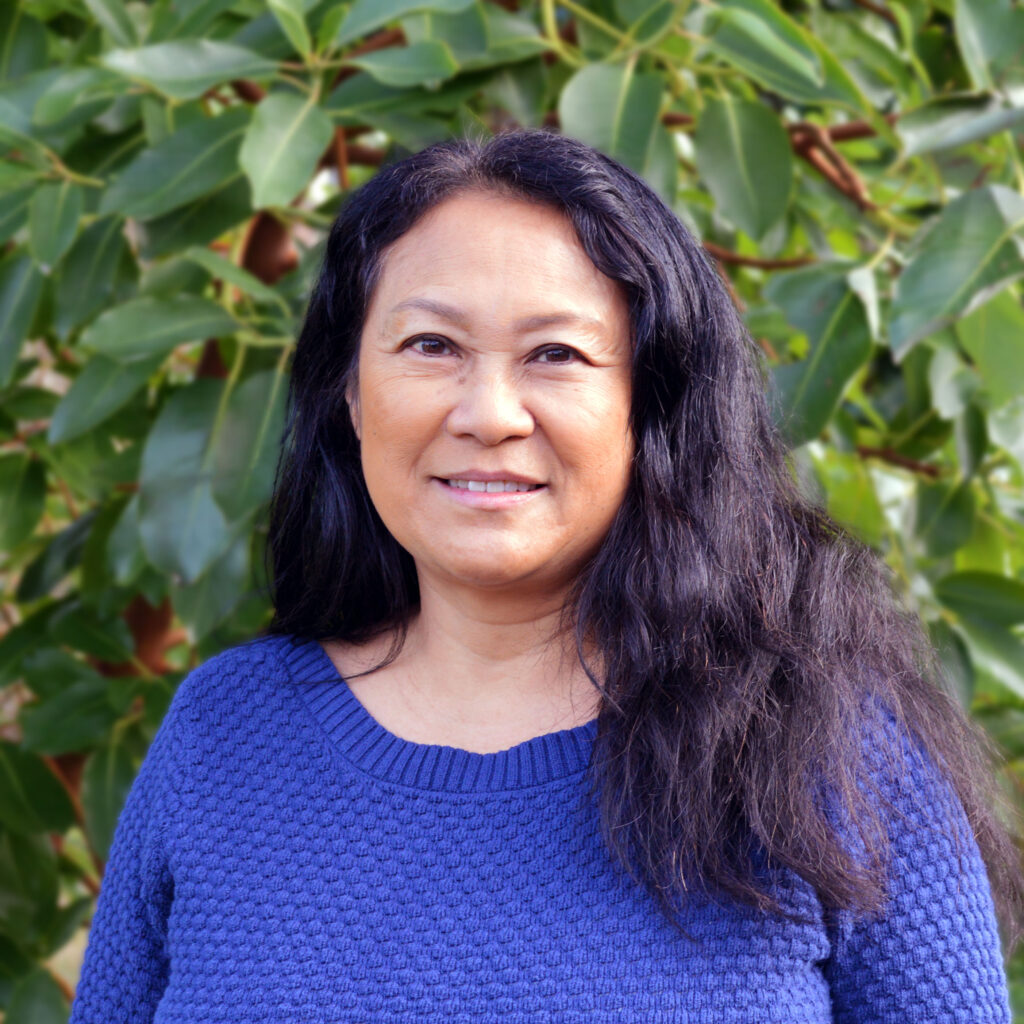
Pavy Thao: for All Intensive English, Bridge, and International High School Completion Students

Aidrien Wilkins: College-Level Students with Last Names starting with letter ‘A, B, M, N, O, P, Q, and R’
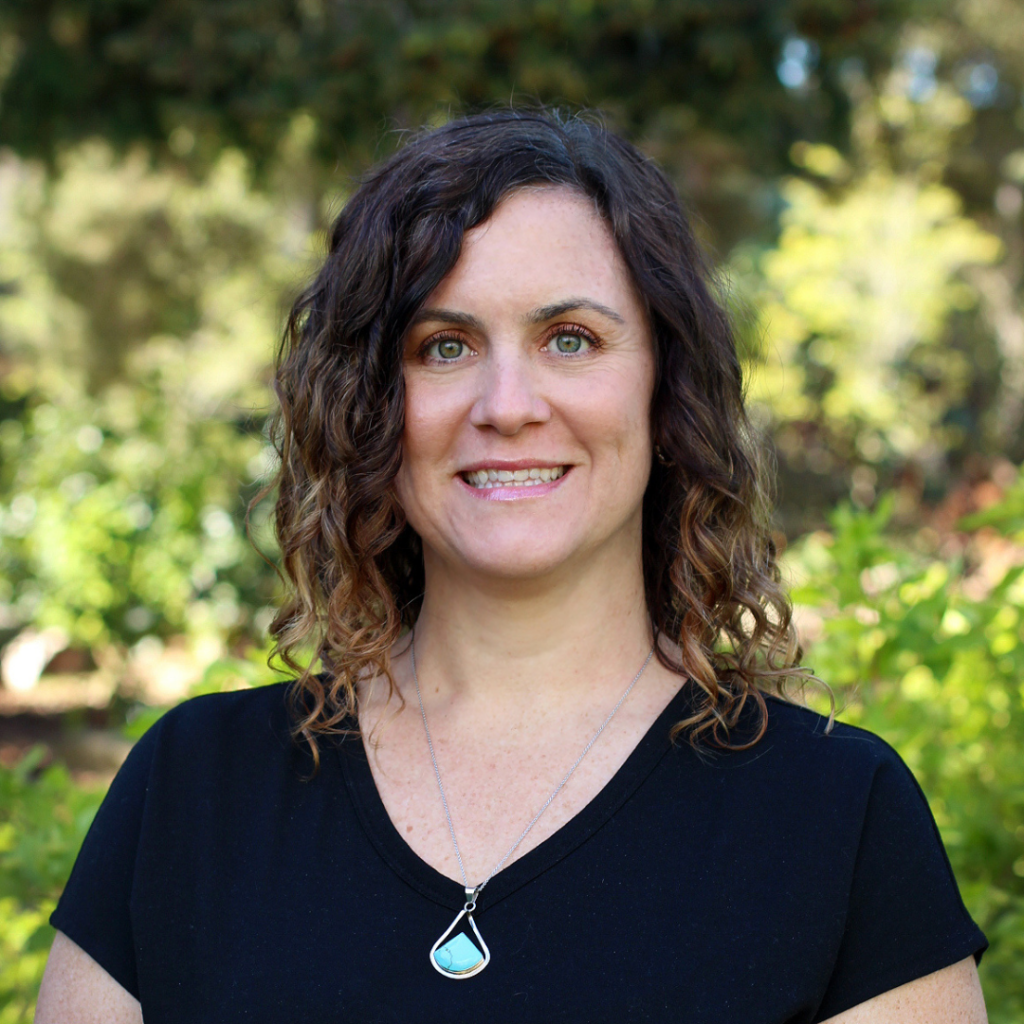
Heather Woods: College-Level Students with Last Names starting with letter ‘C, D, E, F, G, H, I, J, and K’
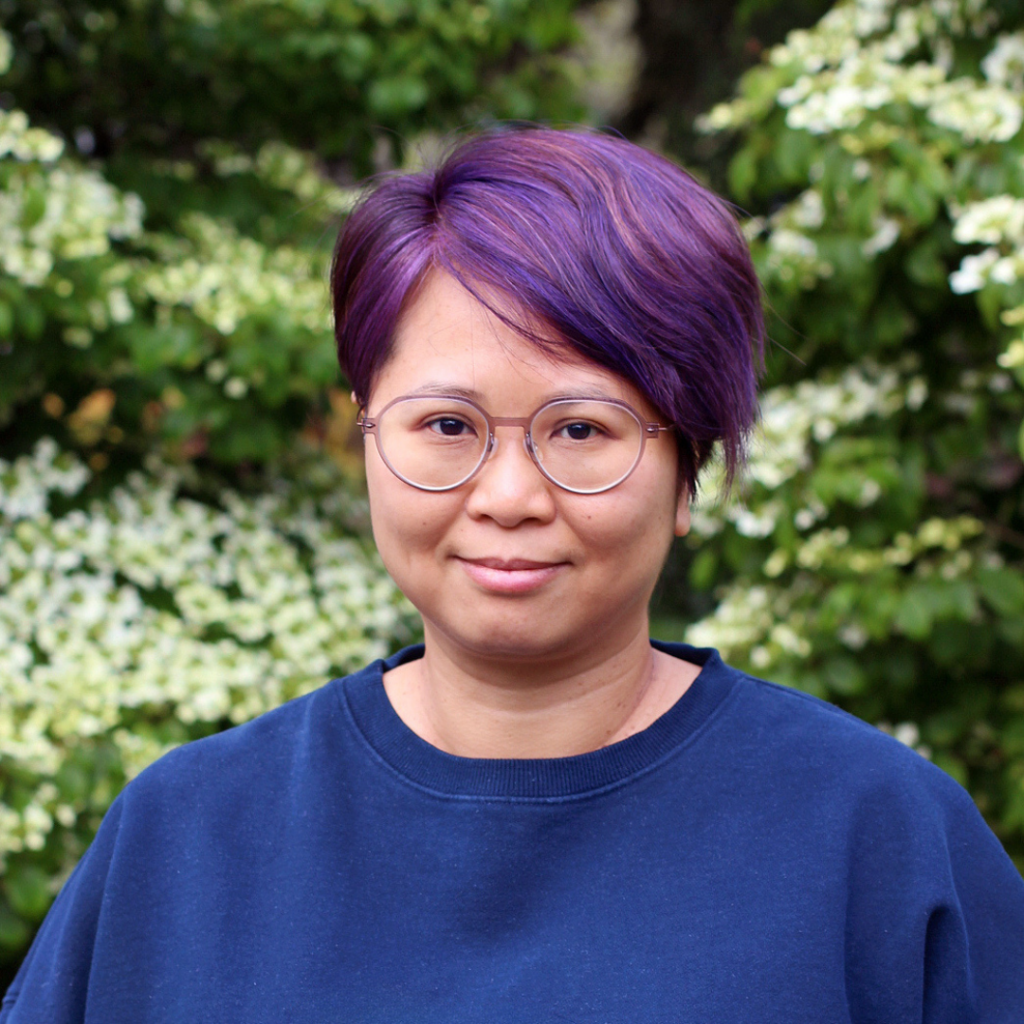
Angela Leung: College-Level Students with Last Names starting with letter ‘L, S, T, U, V, W, X, Y, and Z‘
Schedule a Mock Visa Interview
Schedule a mock visa interview before your actual visa interview.
During the mock interview, we will ask you common interview questions, walk you through the general process, and answer any questions you have about your program.
Step 5 – Student Visa
- Social Media Accounts – Set to ‘Public’
- The U.S. Department of State has announced that they will be including students’ online presence in the visa screening and process. Make sure all of your social media accounts are public and list them on your visa application as requested.
- Pay the I-901 Fee
- Pay the I-901 fee at the DHS – I-901 website
- Print and save the receipt
- For Help: I-901 SEVIS Fee Payment Website, Video, and Contact
- Apply for the Student (F-1) visa
- Visa Interview
- Schedule a mock visa interview with us before your actual visa interview
- View useful tips on how to prepare for your F-1 visa interview
- Visa Interview: What to Expect: The consular officer at the US embassy or consulate is looking to confirm three main things:
- You’re a real student coming to study.
- You have enough money to pay for your education and living expenses.
- You plan to go back home after your studies.
- Examples of questions you may be asked during your visa
interview include:- Why did you choose Bellevue College?
- Why do you want to study in the US instead of your home country?
- Who is paying for your studies, and how do you know them?
- Do you have any family living in the US?
- What will you do after finishing your studies in the US?
- A valid passport, F-1 visa, and I-20 are required to enter the U.S.
- Passport: Issued by your home government. Always keep it valid.
- Student (F-1) Visa: Issued by a U.S. embassy or consulate.
- I-20 form: Issued by Bellevue College International Education upon acceptance.
If Denied: Review your visa denial notice. Contact your admissions specialist immediately. Each case is different, but you may try again.
Common Enrollment Holds
- Student Financial Responsibility Agreement (SFRA):
- No Nelnet Plan for Intl Students
- Does not affect your ability to enroll in classes.
- Intl Student Enrollment Hold
- Added after classes begin. It prevents you from dropping below the 12-credit F-1 minimum.
Step 6 – Class Enrollment – English Learning Students
Students in or beginning in our Intensive English or Bridge programs.
- Check your Bellevue College email
- You will receive a link to the online placement test 1–2 months before classes begin.
- Complete the Placement Test
- The placement test will be in ‘Canvas’
- Canvas (classes, assignments, grades, etc): Log-in with NetID
- Class Enrollment
- Our team will review your results and enroll you in your classes
- Pay your tuition
- See Step 7 for payment instructions.
Important: Try to complete all steps before you arrive in Bellevue, Washington.
- Make an appointment with your Intl. Advisor
- Online and In-Person Options
- Use your Bellevue College email
- Class Enrollment
- Your Intl. Advisor will tell you which classes to enroll in
- Pay your tuition
- See Step 7 for payment instructions
Important: Try to complete all steps before you arrive in Bellevue, Washington.
Step 6 – Class Enrollment – College-Level Students
Students in or beginning in our Certificate, Associate, Bachelor, and International High School Completion programs.
Math and English are required parts of degree programming.
English placement: You may have English placement if you submitted exam scores.
| English 93 | English 101 | |
|---|---|---|
| TOEFL (IBT) | Overall: 61+, Writing:13+ | Overall: 65+, Writing: 16+ |
| IELTS | Overall: 6.0+, Writing: 5.5+ | Overall: 6.0+, Writing: 6.0+ |
| Duolingo | Overall: 95+, Production: 75+ | Overall: 95+, Production: 85+ |
- Degree Planning Sheets
- F-1 regulations require students to enroll in at least 12 credits per quarter, with at least 7 credits from in-person or hybrid classes.
- Enroll in HD 103: International First Year Experience.
Students typically take 15+ credits each quarter. In your first quarter, you may start with 13 credits. This usually includes HD 103 and two other courses.
- You must enroll in at least 12 credits each quarter
- You must take at least 7 credits in in-person or hybrid classes
- You must complete HD 103: International First Year Experience (3 credits) unless you have already taken a similar course in the U.S. and receive approval to waive it.
Humanities
- CMST& 101: Introduction to Communication Studies
- MUSC 105: Music Appreciation
- PHIL 102: Contemporary Moral Issues
- HIST& 146: U.S. History I
- ART 110: Two-Dimensional Design
Social Science
- ANTH 180: American Life and Culture
- CMST& 102: Introduction to Mass Media
- GEOG 105: Geography of World Affairs
- PSYC& 100: Introduction to Psychology
- SOC& 101: Introduction to Sociology
Natural Science (for non-science majors)
- ENVS 105: The Science of Sustainable Living
- ASTR& 101: Introduction to Astronomy with Lab
- OCEA& 101: Introduction to Oceanography with Lab
- GEOL& 101: Introduction to Physical Geology
Most classes do not require a permission code, and you can skip the “permission code” to enroll when it asks you for the code.
You may need to contact the instructor to get a code when the class has enforced prerequisite(s), requires the department/instructor’s consent, or you are asking to add the class late up to the 5th day of the quarter except in summer.
Waitlists:
- Many classes fill quickly
- You may join only 1 waitlist per quarter
- You must enroll in at least 12 credits to maintain your F-1 status (waitlisted classes do NOT count)
If You Join a Waitlist
- Check ctcLink and your Bellevue College email every day
- The waitlist stops running each quarter — know the deadline
- If you get into the class: Pay the extra tuition immediately
Late Enrollment
- After Day 4 or 5 of the quarter: You will need instructor permission
- Instructors may deny late enrollment. If an instructor does not reply, it means no
Some college classes require prerequisites before you can enroll in classes.
Returning, transfer, or concurrent students who have already satisfied the prerequisite(s) must submit the transcript to the prerequisite clearance process to waive the requirements.
- Student Central Processing Dashboard: Several areas within Student Central handle a variety of student requests, applications, file reviews, and appeal processing. See the current processing times.
If you have attended a college or university in the U.S. or in your home country, please follow the instructions on “How to Transfer Credits to BC”. This process may take up to 8-10 weeks.
You will need to be enrolled in classes before you can submit the request.
Try to complete this process before arriving in Bellevue, WA.
Tuition and Fee Due Dates
Bellevue College drops students from their classes for non-payment beginning the following business day after tuition is due.
When dropping students for non-payment, the college drops all classes you enrolled for. We cannot link a partial payment with a specific class. If dropped, you can try to re-enroll in your classes, or choose other classes. Make sure to make your payment when due.
Step 7 – Class Payment
How you can pay tuition while attending Bellevue College.
- Online through ctcLink
- Bank Wire Transfer
- In-person with a VISA Card, MasterCard, personal check, or cash (USD)
- Payment Plans through Student Financial Services
- NelNet Payment Plan
- STEPP Pre-Payment Plan
Step 8 – Arriving in Bellevue, Washington
Arrive before the required orientation: Check here for orientation dates.
Before Arrival:
Bellevue College International Education does not arrange or secure housing for students.
Go to IE’s Housing site to learn more about housing options:
- On-Campus Housing
- Renting an Apartment or House
- Living with Friends or Family
- Homestay Options
As a condition of participating in the international student program, F-1 visa holders on BC’s I-20 are required to join the Bellevue College-Foundation arranged accident and sickness medical benefit plan every quarter. Read more at IE’s insurance site.
- Dental & Vision: Bellevue College-Foundation arranged accident and injury insurance plan does NOT cover dental and vision.
- Address any dental or vision issues before arriving in Bellevue. Bring extra glasses and/or contact lenses.
- Bellevue College does not require vaccinations for most students, except for certain healthcare programs.
- Consult your physician to ensure you’re up-to-date on common vaccines based on your age.
Before you enter the US – consider setting up these accounts
- Phone eSIM: Buy before you arrive. Check phone compatibility.
- SIM card: Purchase a plan from providers like AT&T, T-Mobile, or Mint Mobile.
- If you don’t have a SIM card upon arrival, use airport WiFi to book transport and contact people. Use apps like WhatsApp or Skype for WiFi calling
- To set up a bank account in the US a student must have:
- Copy of passport and visa
- I-20 document
- US phone number
- US address
- Students under the age of 18 can set up a bank account (checking account only) at Bank of America without a guardian.
- ORCA Transit Card: Access our local public transit systems: Bus, Ferry, Monorail, Link Light Rail, Sounder Train, Water Taxi/Foot Ferry, Bus Rapid Transit, Street Car, On Demand
- Order Your Adult Orca Card Online (18+ Years Old)
- Order Your Youth Orca Card Online (Under 18 Years Old): Requires Proof of Age such as passport, state ID or birth certificate.
SeaTac Airport (SEA):
Seattle-Tacoma International Airport (SEA) is the closest airport to Bellevue College.
Carry-on items for your flight to the U.S.:
- Valid passport
- Valid F-1 visa
- Valid I-20
- Emergency contact information (written or printed)
- Bellevue College contact information and address (written or printed)
- Health items: Glasses, contacts, and medications
Ground Transportation from SeaTac airport to Bellevue College: 27 km (or 18.6 miles), and a typical driving time of 25-minutes.
- App Based Rideshare
- Door To Door Shuttle Services
- Taxi
- Airport Pick-Up Service: You can reserve a private airport transfer from SEATAC (SEA) through one of our trusted providers for a flat rate of $100 USD, paid directly to the transfer company. The driver will greet you with a sign displaying your name and take you to your provided address within the Greater Seattle Area.
- Email: info@seaviewairportservice.com (Satnam Singh)
- WhatsApp/Phone: +1 206 779 3052
- When contacting, include:
- Your name
- That you are a Bellevue College student
- Your flight number
- Arrival date and time
- Your phone number
Step 9 – Required – Attend New Student Orientation
In-Person Orientation (Required)
- Check your orientation date
- You will learn about:
- F-1 visa rules
- Classes & enrollment
- Health insurance
- Important student policies
- Complete the New Student Check-in:
- Log in to the Intl. Student Portal through ‘Current Student’. Use your NetID log-in.
- Start the ‘New Student Check-in‘
- Upload:
- I-94
- F-1 visa
- Signed I-20
- Your local contact information
- Your local emergency contact.
- Click ‘Submit’
Can’t attend?
Email your International Advisor as soon as possible.
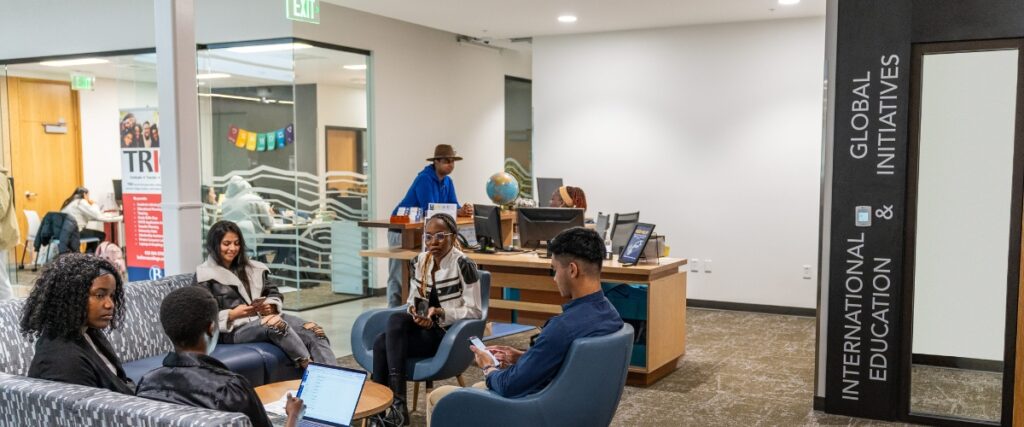
Our Location:
Student Stories:
Contact Us:

Last Updated April 15, 2026